Total loss inventory software for property-claim contents.
What a total-loss contents schedule has to prove
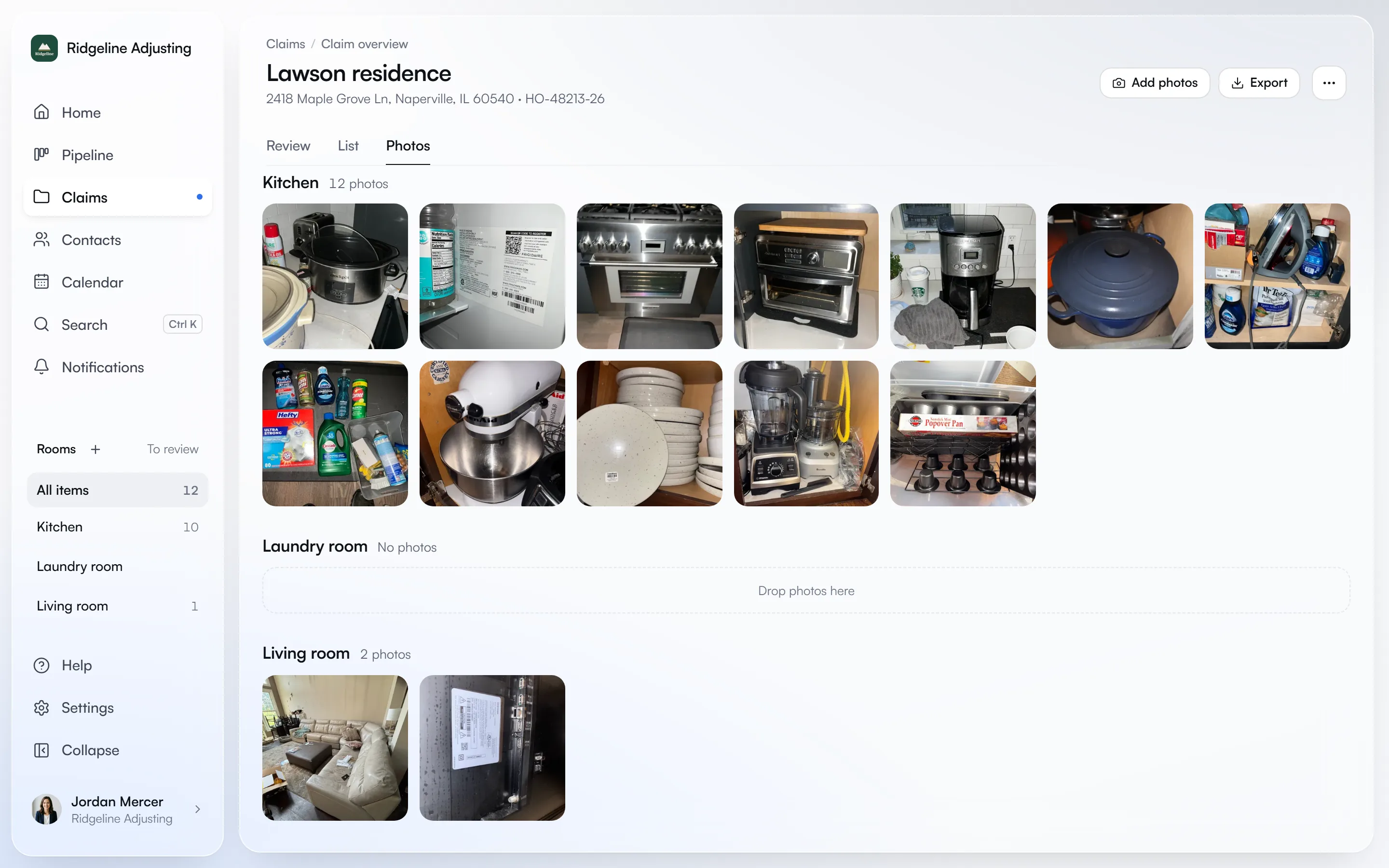
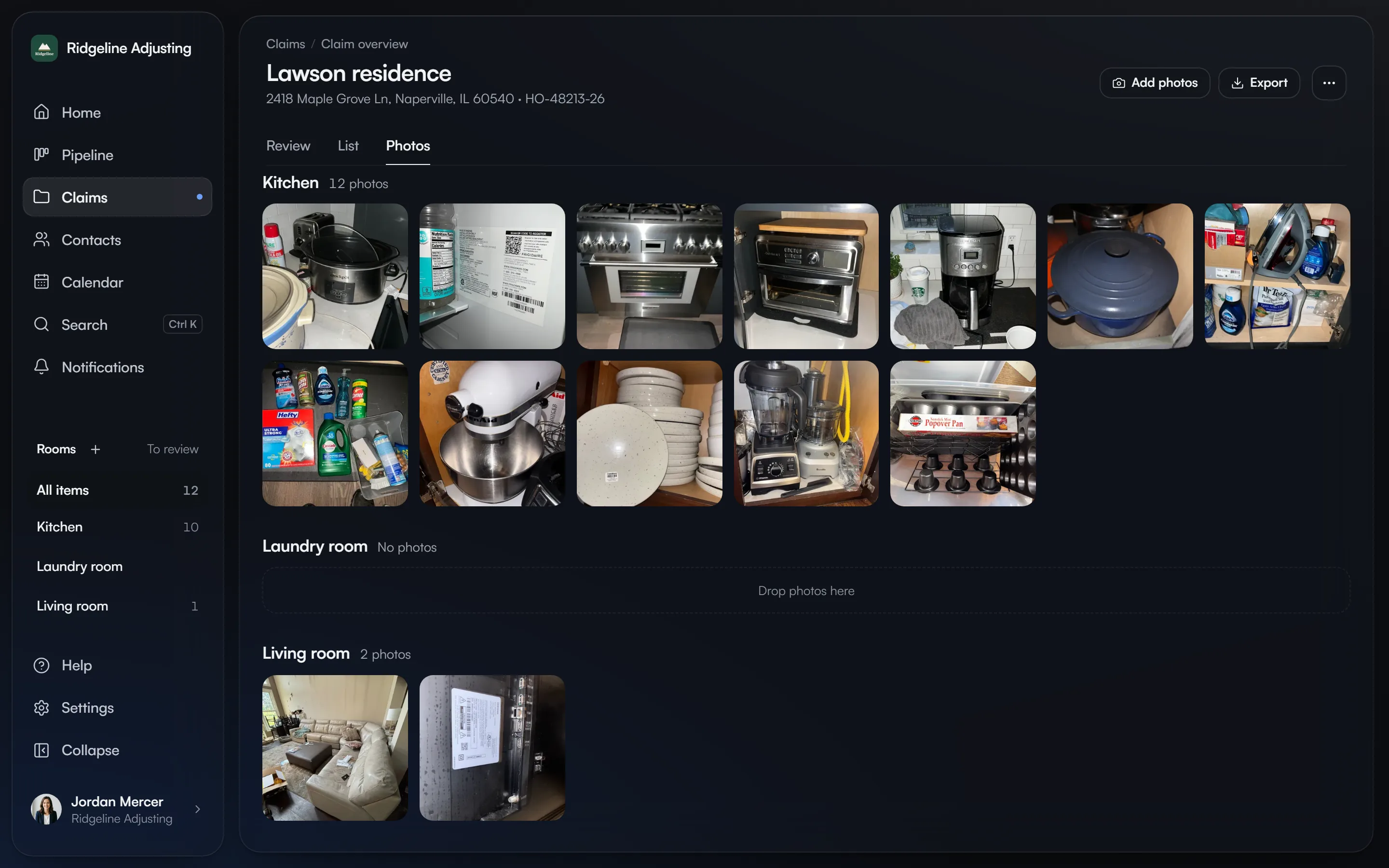
A total-loss inventory is more than a list of nouns. Each line should identify the item precisely enough to price a like-kind-and-quality replacement, connect it to a room and supporting evidence, record quantity and pre-loss condition, and show the valuation math. Contents.team keeps the photo, item data, source link, and RCV/ACV calculation in one reviewable workflow.
Items that are destroyed, obscured, or absent from the post-loss photos still require human reconstruction from pre-loss photos, receipts, purchase history, or the insured’s documented recollection. The software helps organize that evidence; it should not fabricate what the evidence does not show.
From evidence to an exportable schedule
- 01
Collect the evidence
Upload loss-site photos and any useful pre-loss photos. Organize the claim room by room so every item keeps its location and photo trail. - 02
Build editable item lines
Contents.team extracts visible personal property into editable descriptions, quantities, categories, age, and pre-loss condition. A person reviews uncertain or missing details. - 03
Price and value the schedule
Attach a current replacement source to each approved line, map Xactimate CAT/SEL, and calculate replacement cost value, depreciation, and actual cash value. - 04
Export the claim package
Deliver a PDF report with your logo, a ZIP of every photo by room, or an XactContents-format XLSX when the carrier or estimating team works in the Verisk ecosystem. - 05
Check it against the policy and the carrier
Read Coverage C, special limits and loss settlement terms from the dec page, then match the carrier’s estimate to the inventory to see what was paid short or left out.
Built for the contents portion of the loss
| Claim work | Contents.team | Responsible professional or system |
|---|---|---|
| Contents evidence and item schedule | Built for this | Contents specialist reviews the final lines |
| Replacement pricing and RCV/ACV | Sourced and calculated per line | Claim professional validates assumptions |
| Policy limits and the carrier’s estimate | Read, compared, and flagged per line | Claim professional confirms the reading |
| Coverage interpretation | Not provided | Licensed or authorized claim professional |
| Structural estimating | Not provided | Xactimate or another estimating system |
| Pack-out and warehouse custody | Not provided | Restoration logistics platform |
Connected guidance
Start with the free total-loss contents inventory checklist and CSV for the field, item, pricing, valuation, and QA fields. See the non-salvageable personal-property inventory guide for the documentation boundary, the public adjuster software page for where contents fits in a PA technology stack, and the XactContents alternative comparison for the Verisk handoff.
Total loss inventory questions
Something else? info@contents.team
What is total loss inventory software?
Can Contents.team build an inventory after a fire or other total loss?
Does total loss inventory software replace a public adjuster?
Does Contents.team export to Xactimate or XactContents?
How should non-salvageable personal property be documented?